Fast, secure, and hassle-free. Review the simple step-by-step instructions below to process your payment using a computer or your phone.

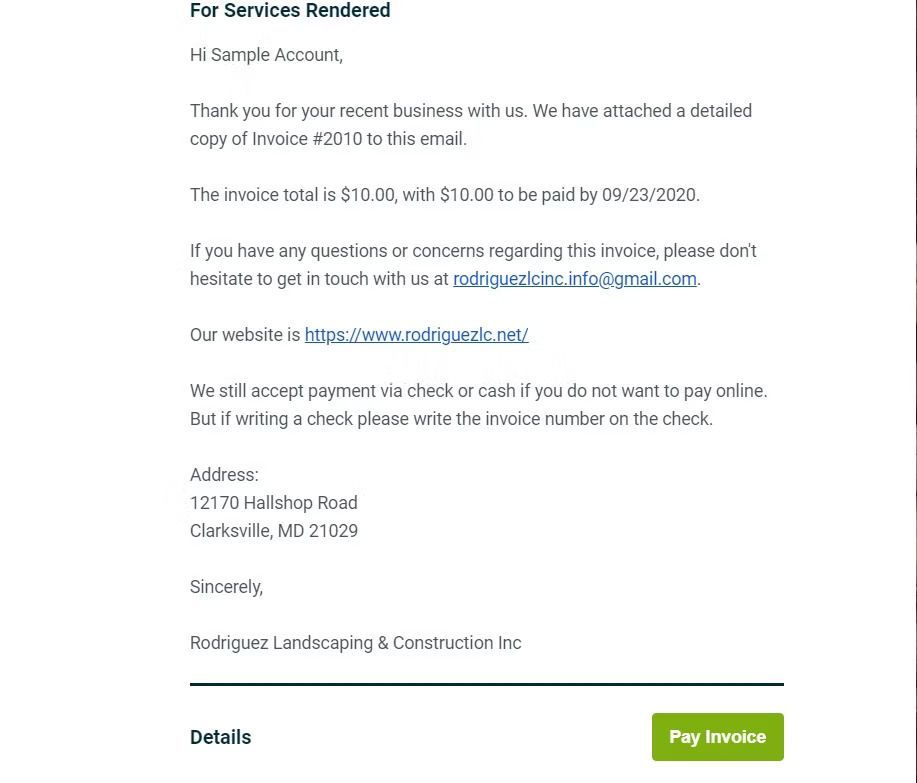
This is how the email will look in your inbox
When you click to open the email, this is what it will look like.
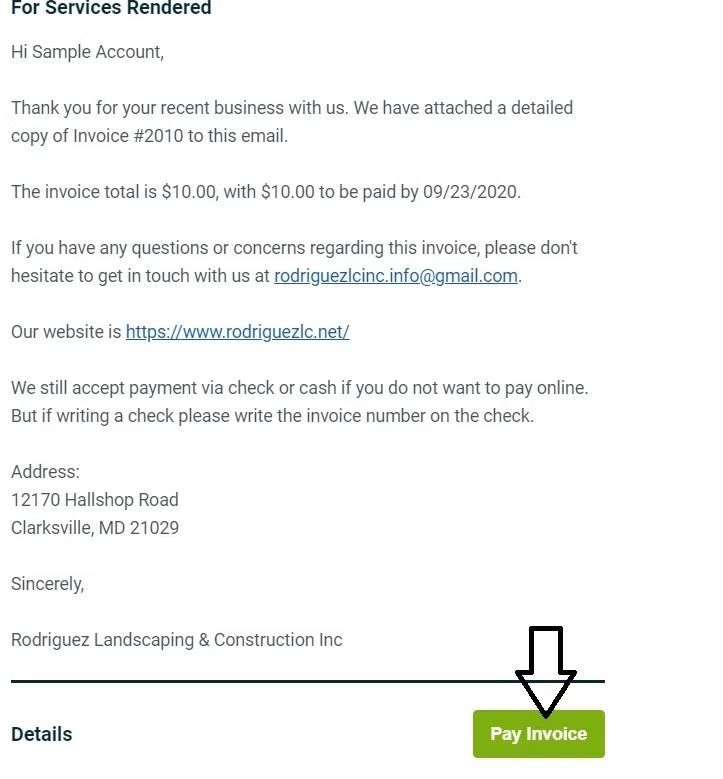
Scroll to the bottom of the email and click 'Pay Invoice'.
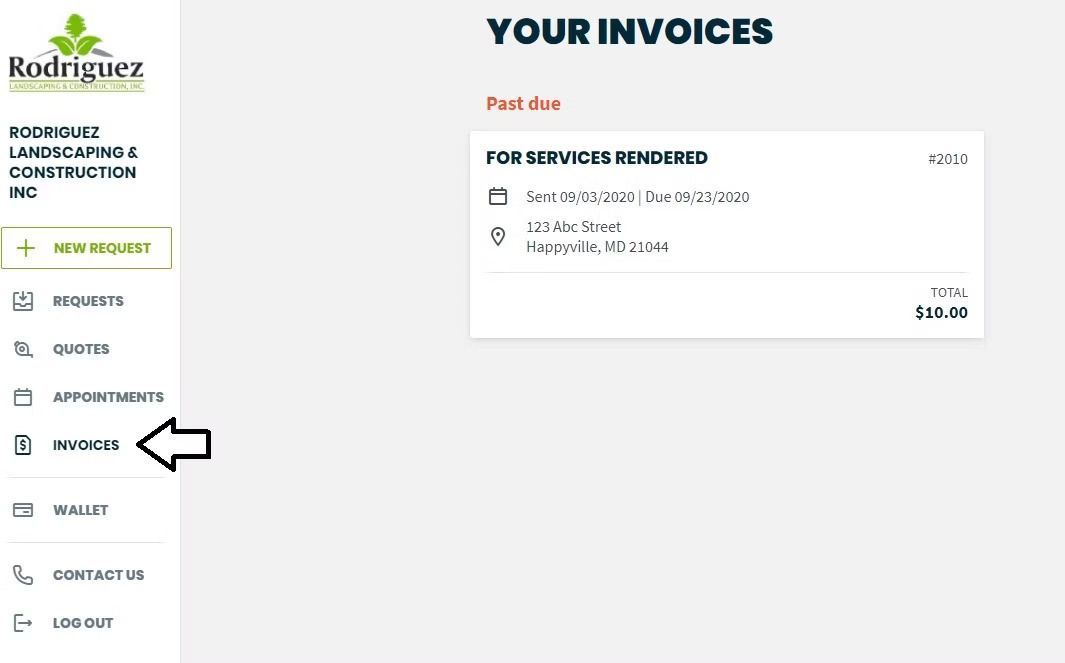
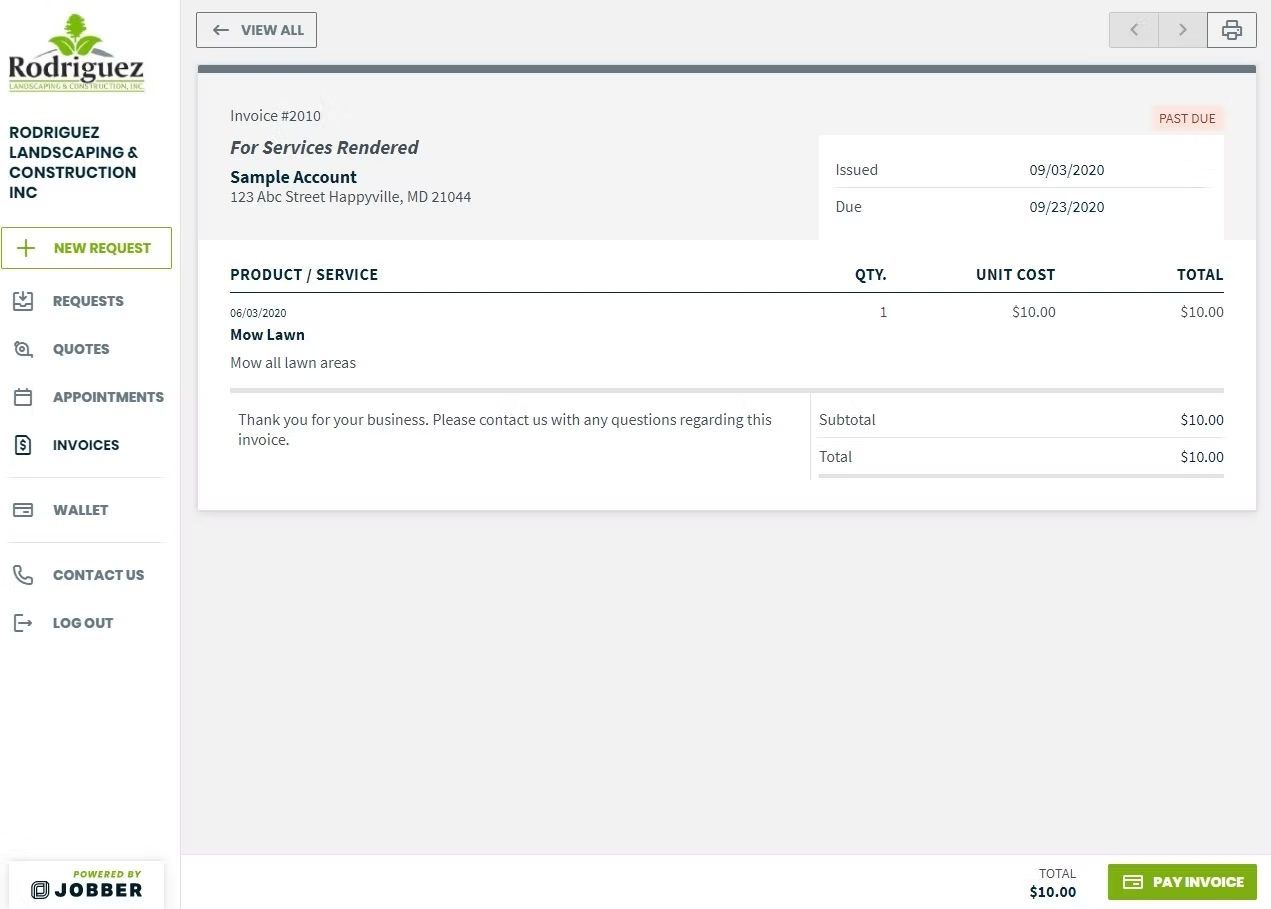
On the left sidebar menu, click 'Invoices' to view your statements.
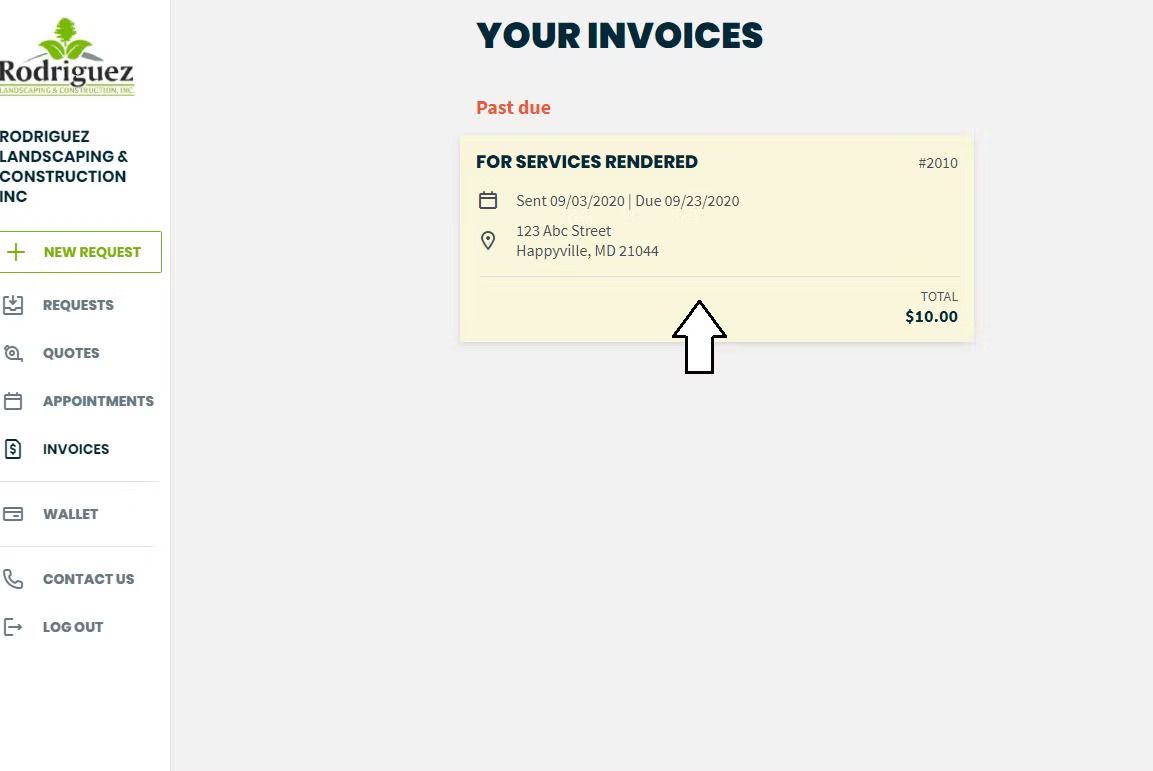
Select the invoice you want to pay.
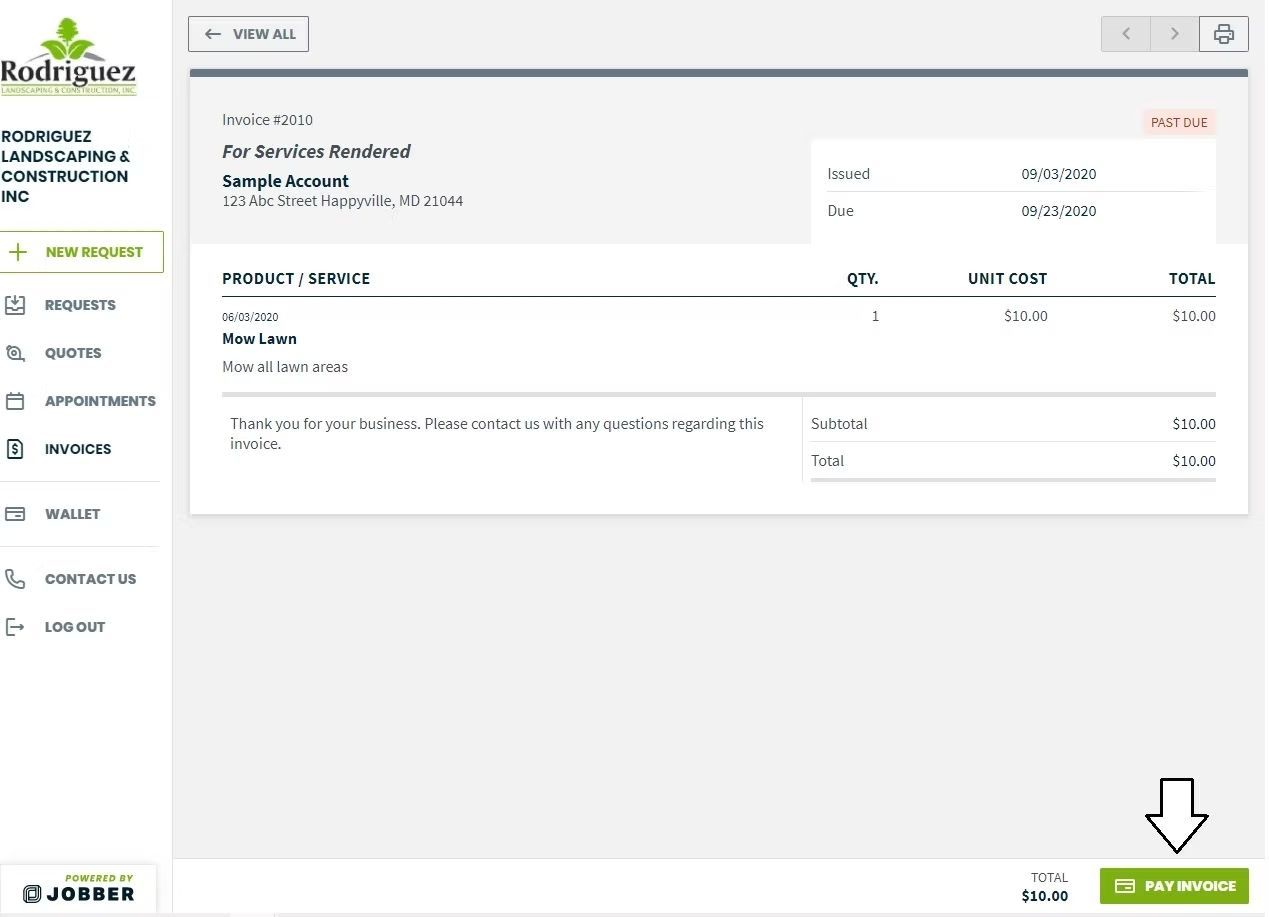
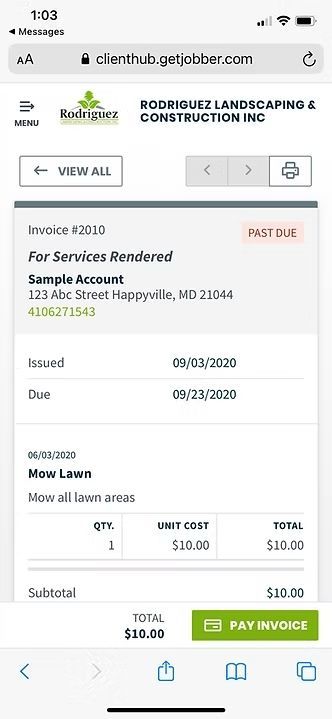
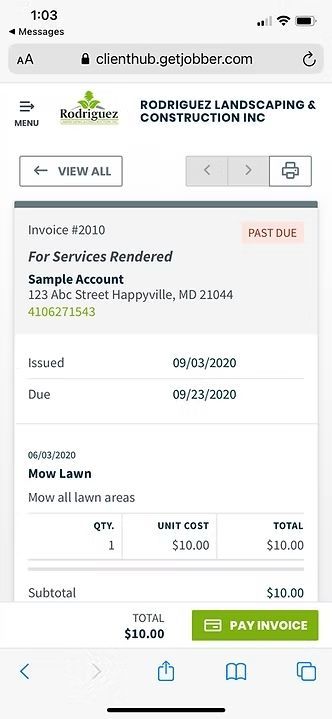
Click the button at the bottom of the page to proceed to payment.
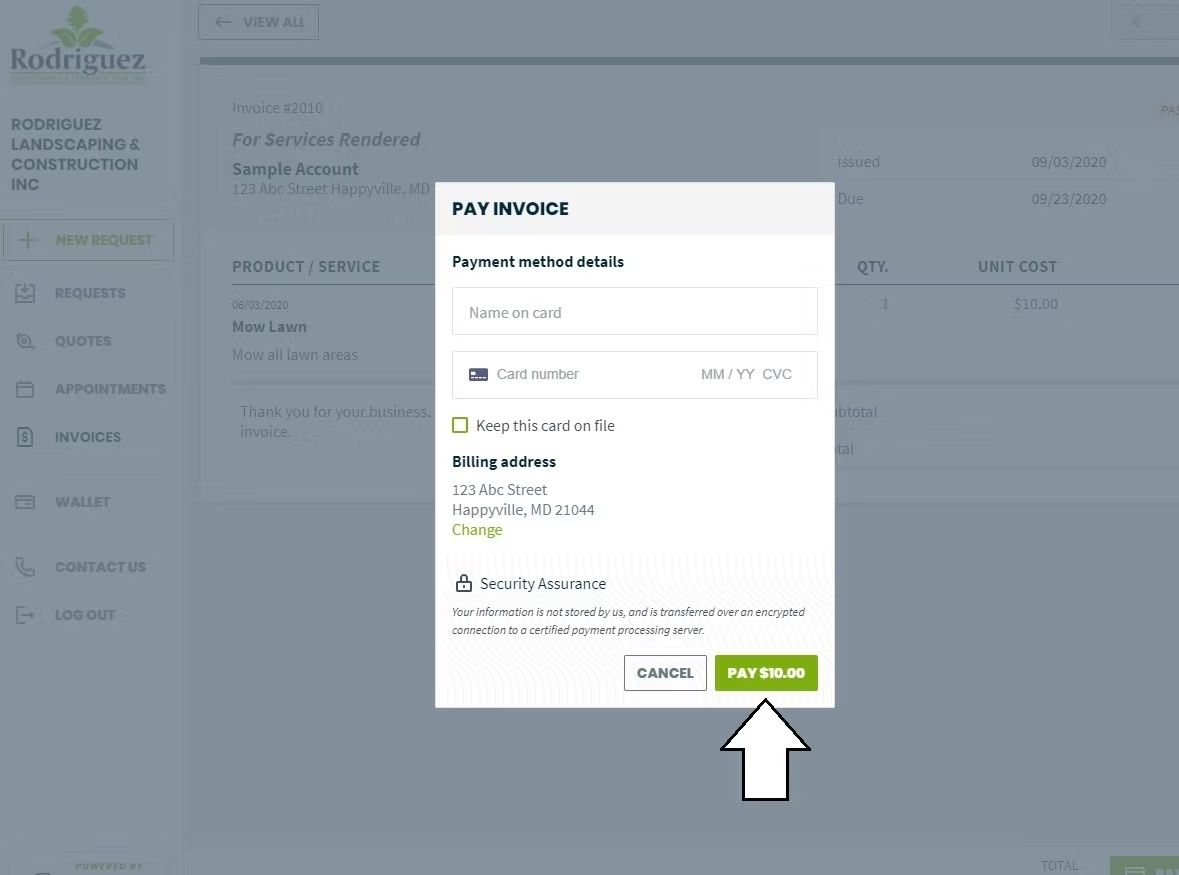
Enter your credit card details. You can opt to save this card on file for future use, but it is not required.
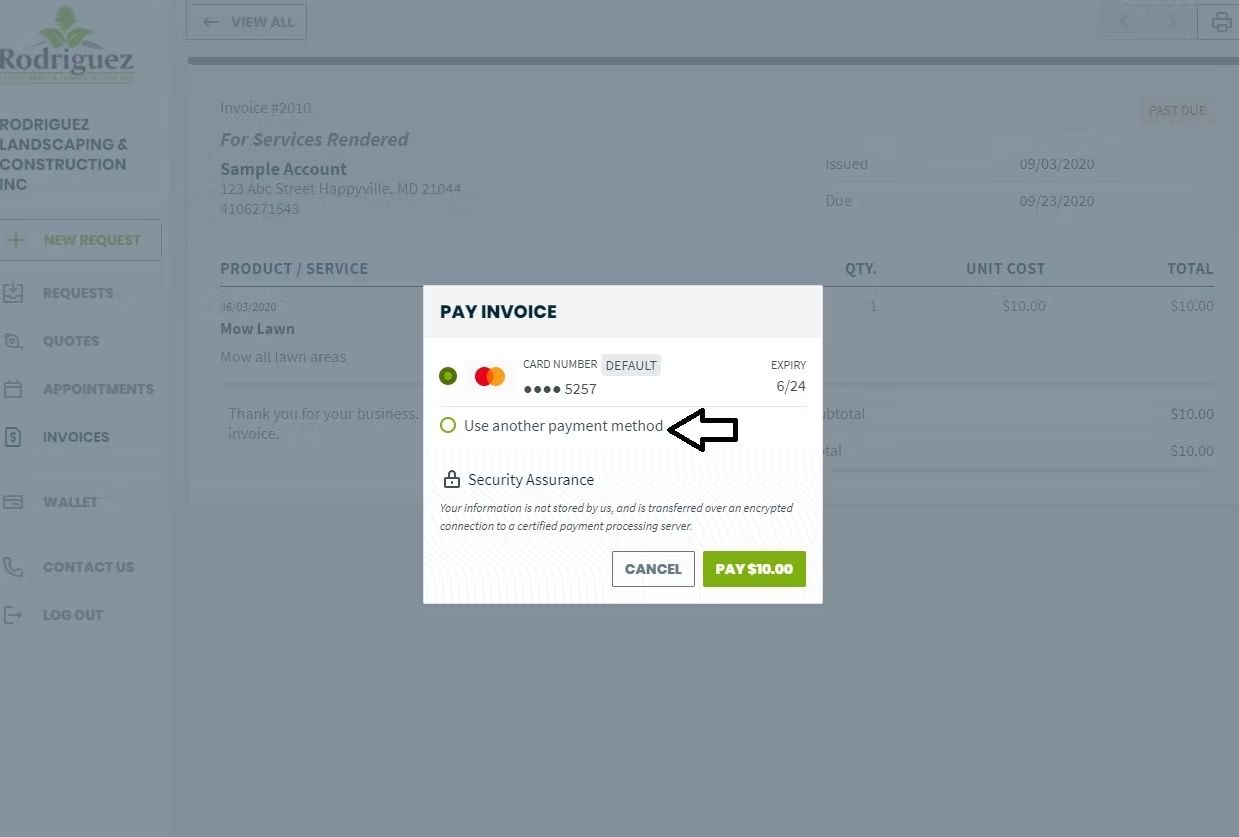
If you have a card on file but want to use a different card, this is how you would add it.
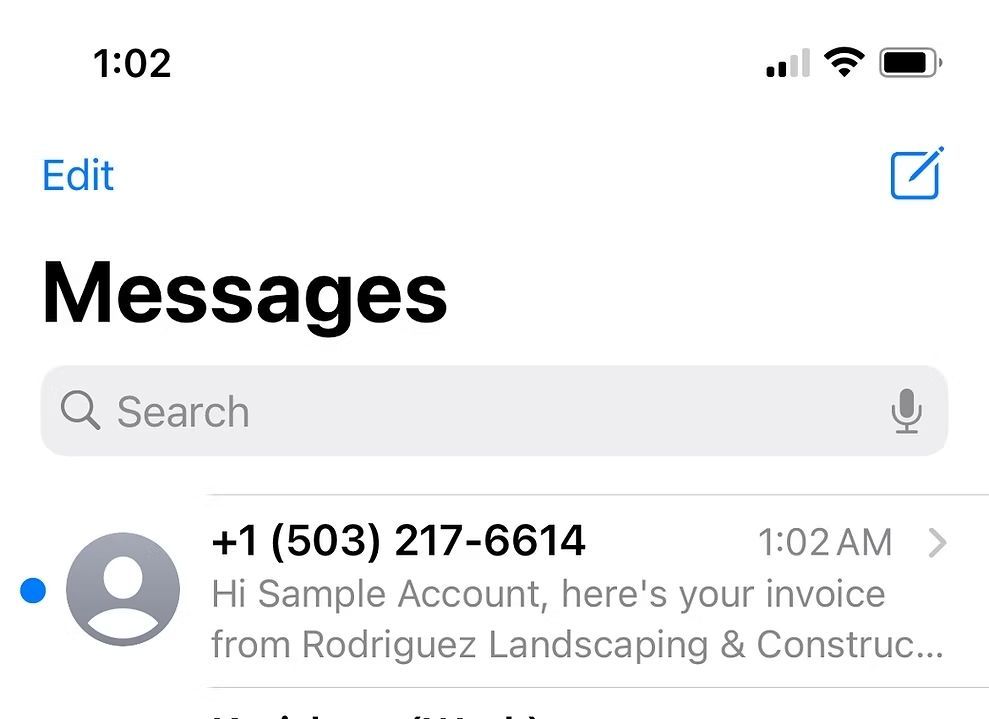
This is how invoices or quotes will appear when sent to your phone.
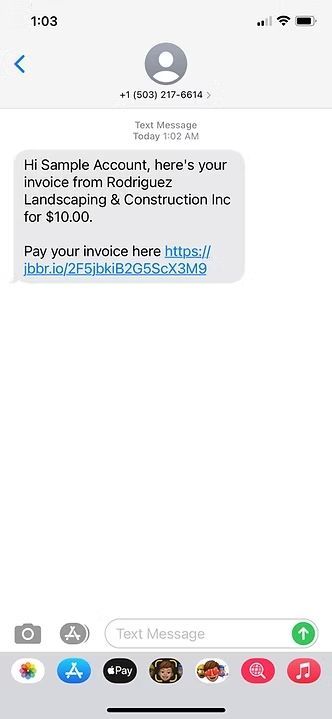
This is what the text will look like. Click the link to view.
All Rights Reserved | Rodriguez Landscaping & Construction